Introduction to RAG
Retrieval Augmented Generation (RAG) is a powerful approach that combines the strengths of large language models with the ability to retrieve and utilize external knowledge. Rather than relying solely on the knowledge encoded in the model's parameters, RAG systems retrieve relevant information from a knowledge base before generating a response.
This architecture offers several advantages:
- Access to up-to-date or domain-specific information not included in the model's training
- Ability to cite sources and provide evidence-based responses
- Reduced hallucinations by grounding responses in retrieved content
- Better performance on specialized knowledge domains
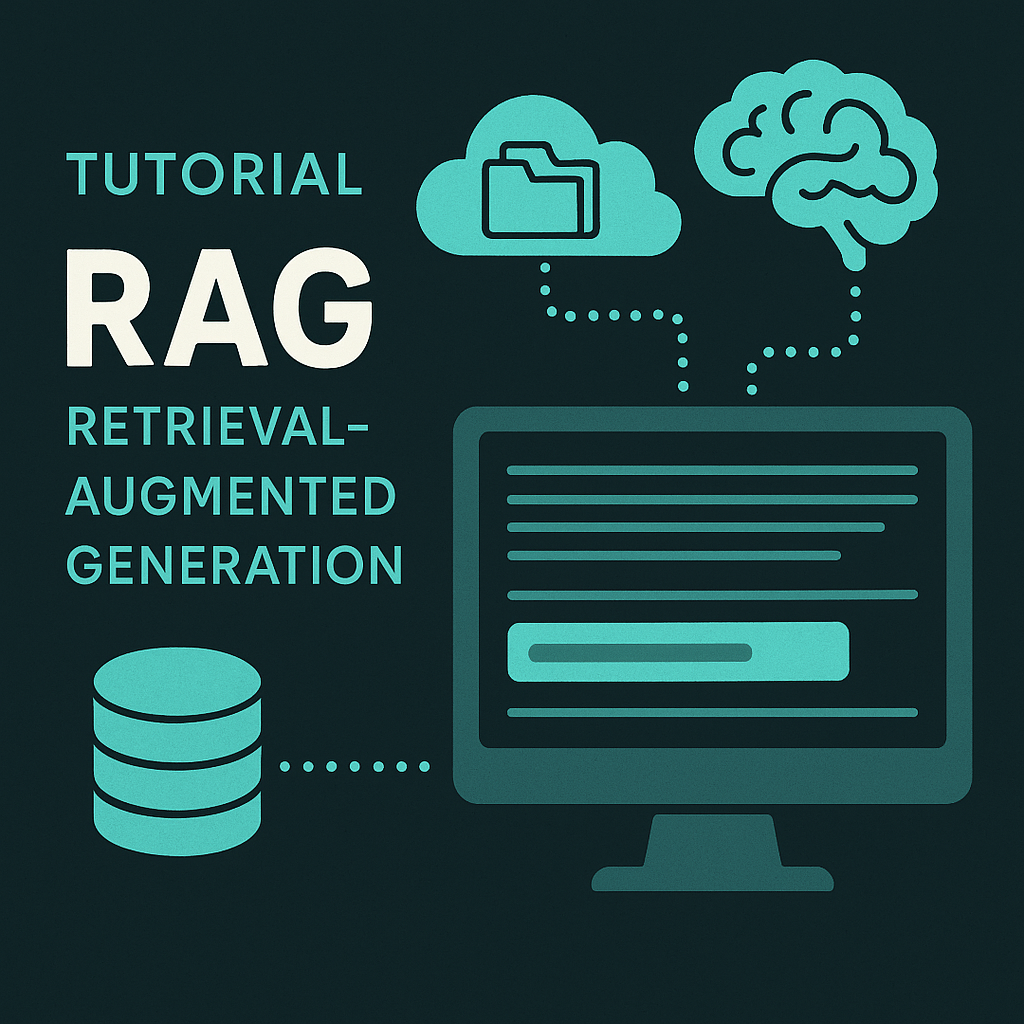
Figure 1: Basic RAG Architecture
In this tutorial, we'll build a RAG system from scratch using Python, focusing on medical document retrieval. We'll walk through each component, from document processing and embedding to vector storage and query processing.
Prerequisites and Setup
First, we need to install the necessary packages for our RAG implementation:
!pip install datasets pandas langchain langchain-community sentence-transformers faiss-cpu smolagents --upgrade -q
!pip install chromadb
These packages provide the foundational tools we need:
- langchain/langchain-community: Framework for building LLM applications
- sentence-transformers: For creating document embeddings
- faiss-cpu: Vector storage and similarity search
- chromadb: Vector database for storing embeddings
We'll also authenticate with Hugging Face to access their models and datasets:
from huggingface_hub import notebook_login
notebook_login()
RAG Pipeline Overview
Our RAG implementation follows these key steps:
- Document Loading: Importing data from a JSON file
- Document Processing: Splitting content into manageable chunks
- Embedding Generation: Converting text chunks into vector representations
- Vector Storage: Creating a searchable database of embeddings
- Retrieval: Finding relevant documents based on a query
- Generation: Using an LLM to produce a response based on retrieved context
Note: This implementation focuses on a medical domain use case, creating a system that can answer questions about medications based on a knowledge base.
Loading the Data
We start by loading the medical data from a JSON file. In this case, the data contains information about medications:
import json
from google.colab import drive
drive.mount('/content/drive')

# Open and read the JSON file
with open("/content/Medicaments0.json", 'r') as file:
    Meds = json.load(file)

metadata=[]
Q=[]
TT=[]
for k in Meds.keys():
  metadata+=[{"source":k}]
  Q+=list(Meds[k].keys())
  TT+=list(Meds[k].values())
Here, we're:
- Mounting Google Drive to access our files
- Loading the JSON data containing medication information
- Creating lists for metadata, questions (keys), and text content (values)
Converting to Document Objects
Next, we convert our raw data into Document objects that can be processed by LangChain:
from langchain.docstore.document import Document

source_docs = [Document(page_content=key+'/n'+value, metadata={"source": med})
              for med in Meds.keys()
              for key,value in Meds[med].items()]
Each Document object contains:
- The document content (medication name and information)
- Metadata about the source of the information
This structure allows us to track the source of information and maintain context throughout the RAG pipeline.
Document Splitting
Large documents need to be divided into smaller chunks for effective processing and retrieval. We use a RecursiveCharacterTextSplitter with a tokenizer to ensure semantic coherence:
from transformers import AutoTokenizer
from langchain.text_splitter import RecursiveCharacterTextSplitter
from tqdm import tqdm

text_splitter = RecursiveCharacterTextSplitter.from_huggingface_tokenizer(
    AutoTokenizer.from_pretrained("thenlper/gte-small"),
    chunk_size=200,
    chunk_overlap=20,
    add_start_index=True,
    strip_whitespace=True,
    separators=["\n\n", "\n", ".", " ", ""],
)

# Split docs and keep only unique ones
print("Splitting documents...")
docs_processed = []
unique_texts = {}
for doc in tqdm(source_docs):
    new_docs = text_splitter.split_documents([doc])
    for new_doc in new_docs:
        if new_doc.page_content not in unique_texts:
            unique_texts[new_doc.page_content] = True
            docs_processed.append(new_doc)
Key parameters in this process:
- chunk_size: Maximum size of each text chunk (in tokens)
- chunk_overlap: Overlap between adjacent chunks to maintain context
- separators: Preferred splitting points to maintain semantic coherence
We also filter out duplicate content to optimize storage and retrieval.
Creating Embeddings
Now we generate vector embeddings for our document chunks. Embeddings are numerical representations of text that capture semantic meaning, allowing for similarity-based retrieval:
from langchain_community.embeddings import HuggingFaceEmbeddings
from langchain_community.vectorstores.utils import DistanceStrategy

embedding_model = HuggingFaceEmbeddings(model_name="thenlper/gte-small")
We're using the "gte-small" model from HuggingFace, which generates compact but effective embeddings suitable for retrieval tasks.
Vector Storage
Next, we store our embeddings in vector databases. The tutorial shows two options: FAISS and Chroma:
from langchain.vectorstores import FAISS

vectordb = FAISS.from_documents(
    documents=source_docs,
    embedding=embedding_model,
    distance_strategy=DistanceStrategy.COSINE,
)
from langchain.vectorstores import Chroma
vectorstore = Chroma.from_documents(documents=source_docs, embedding=embedding_model)
Both FAISS and Chroma:
- Store document embeddings efficiently
- Enable fast similarity search
- Support distance metrics like cosine similarity
The choice between them depends on your specific requirements for scaling, persistence, and deployment.
Setting Up the Language Model
For the generation component, we need a language model. We'll use a Hugging Face model via a pipeline:
from transformers import AutoTokenizer, AutoModelForCausalLM, pipeline
from langchain.llms import HuggingFacePipeline

# Load model and tokenizer locally
model_id = "Qwen/Qwen2.5-0.5B-Instruct"  # Replace with your preferred model
tokenizer = AutoTokenizer.from_pretrained(model_id)
model = AutoModelForCausalLM.from_pretrained(model_id)

# Create a text generation pipeline
pipe = pipeline(
    "text-generation",
    model=model,
    tokenizer=tokenizer,
    max_new_tokens=512,
    temperature=0.7,
    top_p=0.95,
    repetition_penalty=1.1,
)

# Create LangChain HuggingFacePipeline object
llm = HuggingFacePipeline(pipeline=pipe)
Key parameters for the pipeline:
- max_new_tokens: Maximum length of generated text
- temperature: Controls randomness in generation (higher = more creative)
- top_p: Nucleus sampling threshold (controls diversity)
- repetition_penalty: Discourages repetitive text
Building the RAG Chain
Now we assemble our RAG pipeline, connecting the retriever with the language model:
from langchain.prompts import ChatPromptTemplate
from langchain.schema.runnable import RunnablePassthrough
from langchain.schema.output_parser import StrOutputParser

retriever = vectordb.as_retriever(search_kwargs={"k": 3})

template = """Vous êtes un assistant docteur ,qui va repondre les docteurs a leur questions liées aux medicaments, qui répond aux questions basées sur le contexte fourni ou, si le contexte n'est pas disponible, sur vos connaissances médicales générales.
la réponse doit etre courte ne passe 512 token et concise.
Contexte : {context}

Question : {input}

Réponse :"""
prompt = ChatPromptTemplate.from_template(template)

# Setup RAG pipeline
rag_chain = (
    {"context": retriever,  "input": RunnablePassthrough()}
    | prompt
    | llm
    | StrOutputParser()
)
This pipeline:
- Takes a user query
- Retrieves relevant documents from the vector store (top 3 matches)
- Creates a prompt combining the retrieved context and the query
- Sends the prompt to the language model
- Parses the output as a string
We can test our RAG system with a sample query:
print(rag_chain.invoke("COMMENT PRENDRE gripex ?"))
Advanced RAG: Contextual Compression
The notebook also implements a more advanced technique called contextual compression, which refines the retrieved documents before generating a response:
from langchain.retrievers import ContextualCompressionRetriever
from langchain.retrievers.document_compressors import LLMChainExtractor

compressor = LLMChainExtractor.from_llm(llm)
compression_retriever = ContextualCompressionRetriever(base_compressor=compressor, base_retriever=retriever)

# Setup RAG pipeline with compression
rag_chain = (
    {"context": compression_retriever,  "input": RunnablePassthrough()}
    | prompt
    | llm
    | StrOutputParser()
)
Contextual compression:
- Extracts only the most relevant parts of retrieved documents
- Reduces noise in the context provided to the LLM
- Can improve response quality by focusing on pertinent information
Note: Compression adds computational overhead but can significantly improve the quality of responses, especially with longer or more complex documents.
Conclusion and Next Steps
We've now built a complete RAG system capable of answering medical questions by retrieving relevant information from a knowledge base. This approach can be extended and customized in various ways:
- Using different embedding models for improved representation
- Implementing more sophisticated retrievers (hybrid, re-ranking)
- Adding query preprocessing to improve retrieval accuracy
- Integrating evaluation metrics to measure performance
- Implementing user feedback mechanisms for continuous improvement
RAG is a powerful paradigm that bridges the gap between retrieval systems and generative AI, enabling more accurate, up-to-date, and verifiable responses.